
To create a server group, follow the below steps:
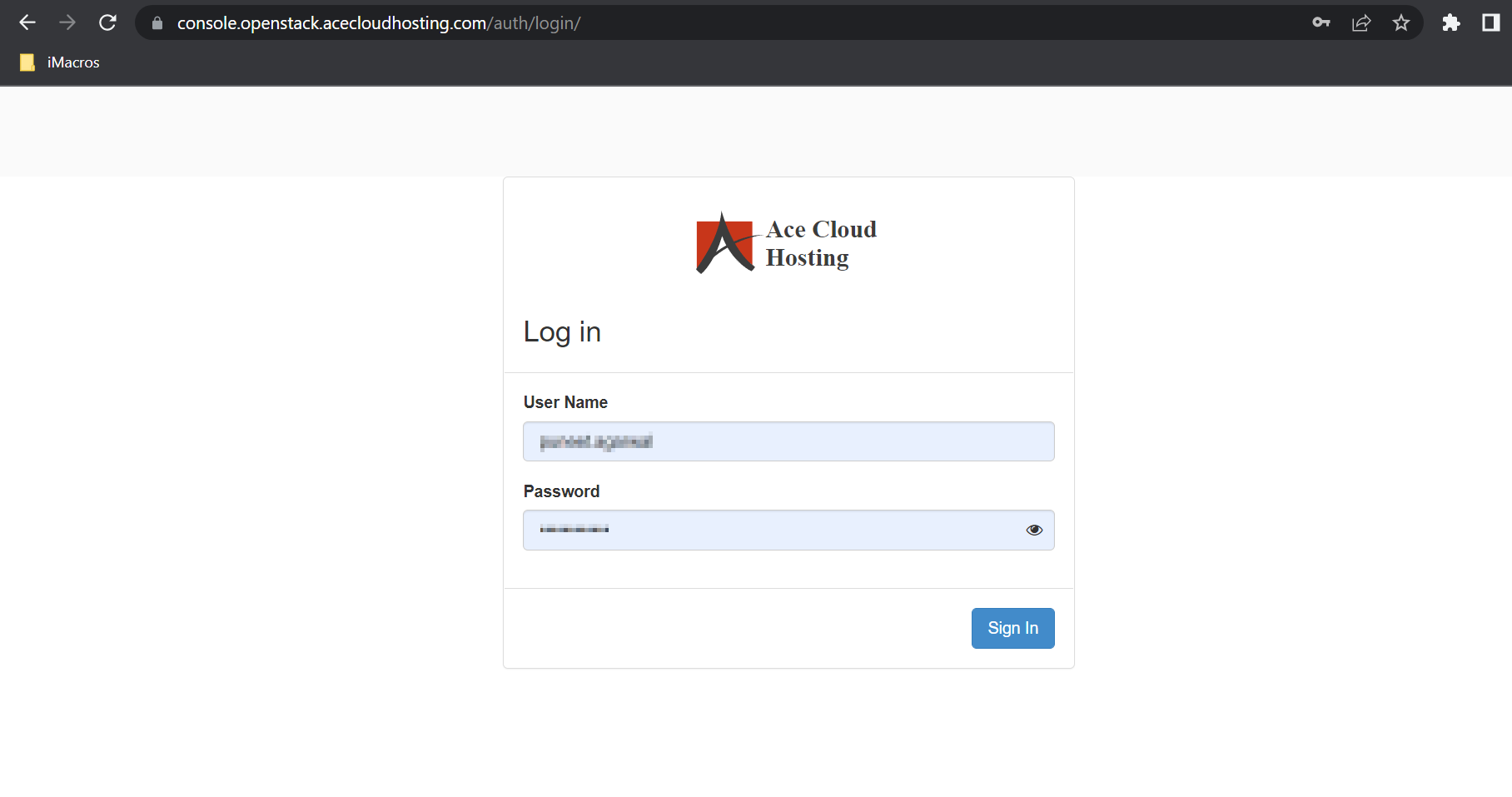
Step 1: Login with your username and password.
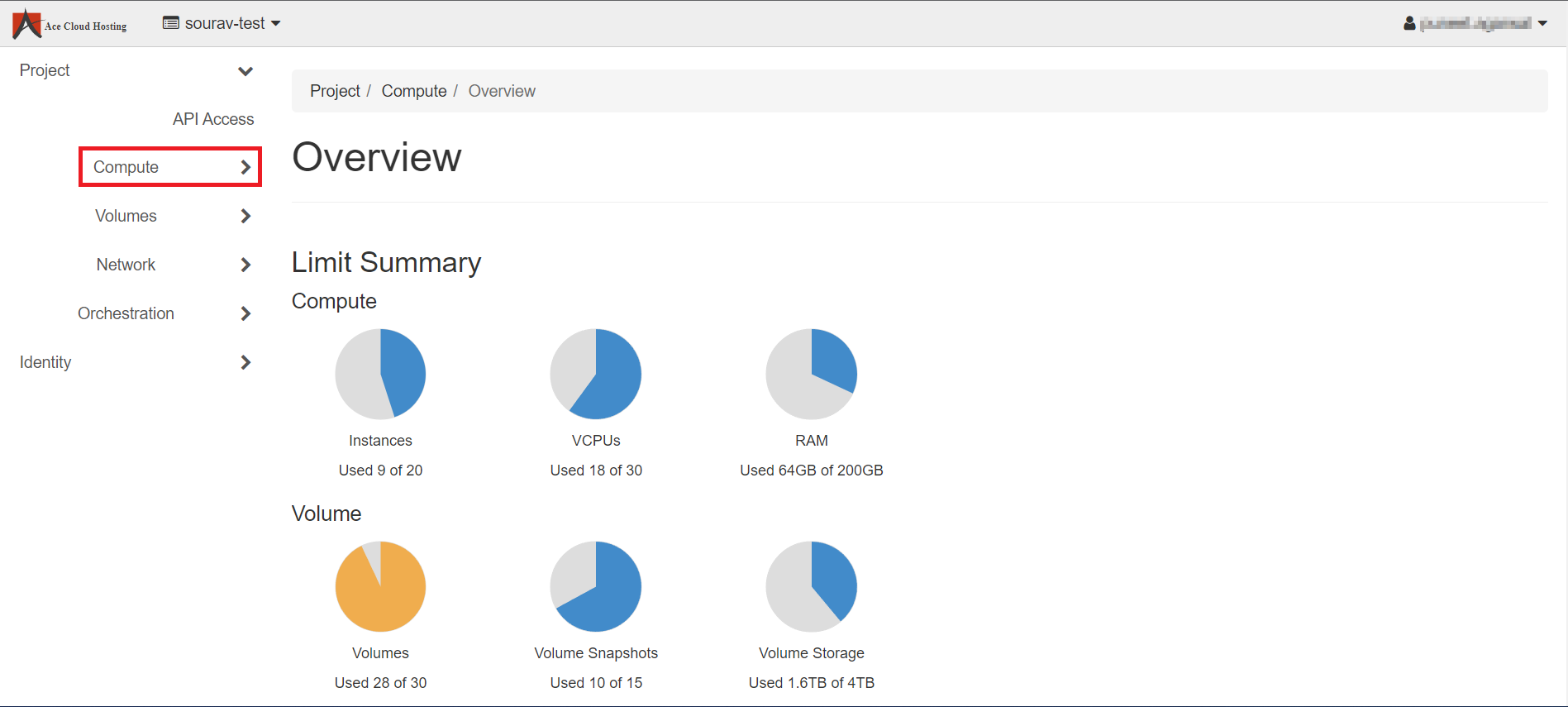
Step 2: From the left navigation menu, select Compute.
Step 3: Select Server Groups.

Step 4: Click on Create Server Group.

Step 5: Fill in the Name and Policy and click on Submit. Here is a brief explanation of the policies.
Affinity: puts instances on the same host.
Anti Affinity: puts instances on separate hosts.
Soft Affinity: puts instances on the same host if possible.
Soft Anti Affinity: puts instances on separate hosts if possible.

Note: You will get a message: "Success: Server Group SG_1 was successfully created."